
BK8 Support: How to Get Help Around the Clock
Support on BK8 Malaysia runs 24 hours a day, seven days a week, through LiveChat and Telegram, with a multilingual team behind both. A large share of account questions is already answered in the Info Centre, so this page covers which channel suits which problem, what to have ready before you write, and what support can and cannot do for you.

Support Channels
Two channels are available, and they suit different kinds of problem.
LiveChat is the fast route. Its button floats on every page of the site and inside the app, it is open at any hour, and it is the right choice when something is happening right now: a deposit that has not landed, a login that will not go through, a game that froze mid-round.
Telegram works better for a conversation that runs longer than one sitting, or when you need to send files and come back to the thread later.
Both sit on the Contact Us page, which also carries the language selection for the team. There is no published email address or support phone line, so treat any number or mailbox offered elsewhere as untrusted.
Info Centre and Self-Service
Before opening a chat it is usually quicker to look in the Info Centre, which is the documentation section of the BK8 service rather than a marketing page.
It holds an FAQ split by topic, with sections for General, My Account, Payment, Cryptocurrency, Promotions, Instant Rebate, Fair Play, Products and Technical questions, alongside Rules and Regulations, the Terms and Conditions and the Privacy Policy.
How to navigate it: payment questions and anything about deposits, withdrawals or crypto go to the Payment and Cryptocurrency sections; bonus mechanics live under Promotions and Instant Rebate; game rules and round settlement sit under Products and Fair Play. If the answer is there, it is available immediately and it is the same answer an agent would give you.
What to Prepare Before You Contact Support
A well prepared first message often replaces three rounds of questions. Have this ready:
- your username, so the agent can find the account
- the date, time and amount of the operation you are asking about
- the reference number, receipt or screenshot from your banking or wallet app
- a screenshot of the error message, if the site or a game showed one
- which device and browser or app version you were using, for technical problems
One thing never belongs in that list: your password. A support agent will not ask for it, will not ask for a recovery code, and has no reason to. Any request for either means you are not talking to the platform, whatever the window looks like.
Questions Support Can Solve
The BK8 services team handles account matters end to end. The most common requests and what an agent will check:
- A deposit that has not arrived. The agent traces the reference against the transaction history. Method details are on the BK8 deposit page.
- A withdrawal taking longer than expected. They confirm the request status and whether documents are outstanding.
- A bonus that did not activate. They look at whether a promo code was selected on the Transfer page and whether the wallet was eligible.
- Sign-in problems. They check the account status, which is the one thing you cannot see yourself. Self-help steps are on the BK8 login page.
- Verification questions. They confirm which documents are needed and whether the ones you sent were accepted.
- Technical faults in a game. They raise a round or session with the provider when a result did not settle correctly.

Account Limits, Self-Exclusion and Closure
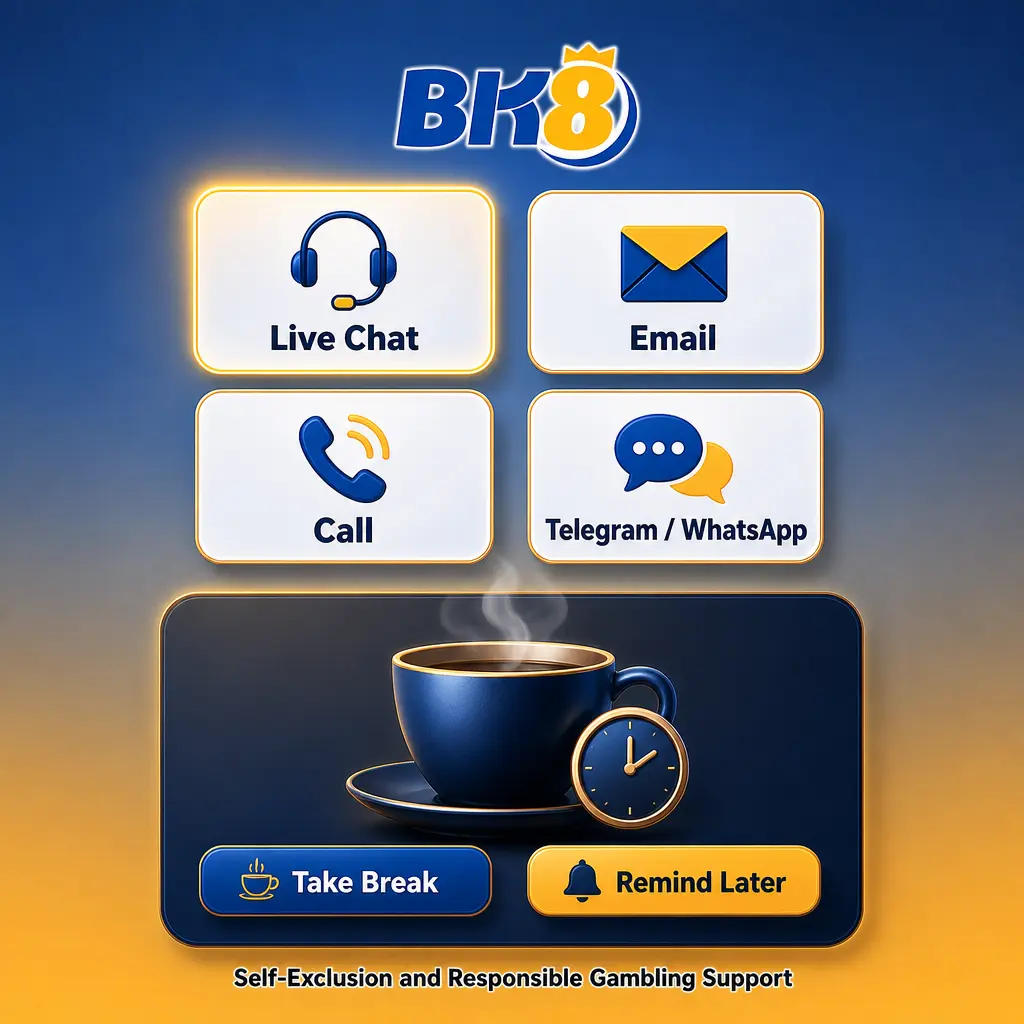
Support is also where control tools are arranged. A deposit limit, a pause on play or full closure of the account are all requested through LiveChat, and the request is treated as an ordinary one: no explanation is required and nobody will try to talk you out of it.
Anyone asking how to delete BK8 account should start in the same place. Ask for closure in chat, state clearly what you want, and confirm what happens to any remaining balance before the account is closed, since a closed account cannot be used to withdraw afterwards.
If the reason is that play has stopped feeling like entertainment, the signs to watch for and the practical steps that help are set out on the responsible gaming page.
Support Languages
The team is multilingual and the language is chosen on the Contact Us page, where the available options are shown as a set of flags. Players in Malaysia are comfortable writing in English or Bahasa Malaysia, and the selector is there if you would rather be helped in another language.
The BK8 Telegram channel is the second route to the same team, useful when you want the thread to stay available on your phone rather than disappearing with a closed browser tab. Both channels reach the same support desk, so there is no advantage in writing to both at once about a single problem.

BK8 Support FAQ
How do I reach BK8 support?
Through LiveChat, whose button floats on every page of the site and app, or through Telegram. Both are listed on the Contact Us page.
Is live chat available at night?
Yes. LiveChat runs 24 hours a day, seven days a week, so there is no queue to wait for in the morning.
What information should I give the support agent?
Your username, the date and amount of the operation, and a receipt or screenshot. Never send your password, and no agent will ask for it.
Where can I find guides and rules?
In the Info Centre, which holds user guides, an FAQ split by topic, Rules and Regulations, the Terms and Conditions and the Privacy Policy.
Can support help with a delayed withdrawal?
Yes. They can confirm the status of the request and tell you whether verification documents are still outstanding on the account.
How do I close or pause my account?
Ask in LiveChat. Limits, a pause on play and full closure are all arranged there, and you do not need to explain the reason.
Updated: